Aprenda a usar o YouTube com Gemini Notebook para acelerar seus estudos
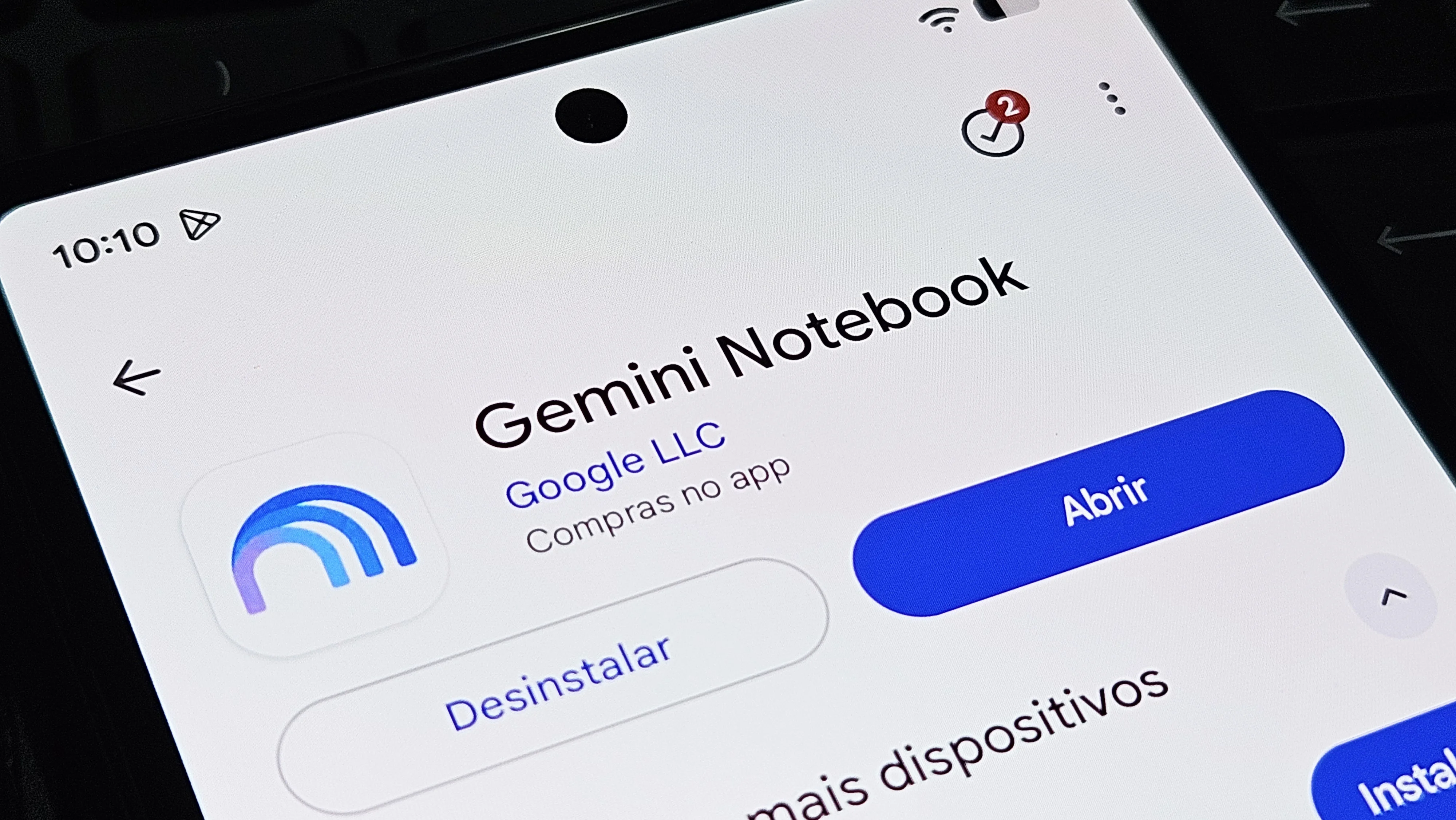
Assistir a vídeos longos só para encontrar uma informação pode tomar muito tempo. Sabe quando você precisa avançar e voltar várias vezes em uma aula ou tutorial do YouTube até achar a explicação que procura? O Gemini Notebook, ferramenta de pesquisa com inteligência artificial do Google, ajuda nessa tarefa ao responder…
Assistir a vídeos longos só para encontrar uma informação pode tomar muito tempo. Sabe quando você precisa avançar e voltar várias vezes em uma aula ou tutorial do YouTube até achar a explicação que procura? O Gemini Notebook, ferramenta de pesquisa com inteligência artificial do Google, ajuda nessa tarefa ao responder…
Para usar o recurso, é só adicionar o link do vídeo às fontes de pesquisa e perguntar o que você quer saber. Se estiver pesquisando um notebook, por exemplo, você pode perguntar sobre a duração da bateria ou o desempenho em jogos. Em uma aula, dá para pedir um resumo dos pontos principais ou uma explicação de um assunto específico. Também é possível comparar informações de vários vídeos sem precisar assistir a todos por inteiro.
Você ainda pode juntar vídeos com documentos e páginas da web para conferir informações e entender melhor assuntos técnicos. Depois, o Gemini Notebook pode transformar o conteúdo em materiais de estudo, como resumos em áudio e vídeo, mapas mentais, cartões de perguntas e respostas, testes interativos, infográficos e apresentações de slides.
É possível integrar o YouTube com outros tipos de arquivos no Gemini Notebook?
Quais são as limitações do Gemini Notebook com vídeos do YouTube?
Como usar o Gemini Notebook no Youtube? O Gemini Notebook utiliza as transcrições dos vídeos para responder a perguntas e organizar informações. Depois de adicionar o conteúdo às fontes de um bloco de notas, é possível consultar os dados sempre que necessário.
Em contexto
- Tema: Datos y Analítica — Gobierno del dato, calidad, analítica y productos de datos.
- Fonte: Canaltech
- Publicado: 31/10/2026
Continuar lendo na fonte original →
Trecho publicado automaticamente pelo radar do site. O texto completo pertence ao veículo e está vinculado acima.
Why it matters
A beautiful dashboard can hide a bad number for months. That is why I distrust stories about visualisation that say nothing about governance: the expensive part is not displaying the number, it is guaranteeing the number means the same thing on Tuesday as on Thursday.
When I assess a data initiative, the first question is which concrete decision gets made with this and who makes it. If the answer is that it provides visibility, I already know the dashboard will be abandoned within a year. Visibility is not an objective, it is a side effect.
What usually goes wrong
Where it usually breaks is capture. A lot gets invested in processing and nothing at the point where a person fills in the form, in a hurry, with no validation and no idea what it is for. No model fixes data that was born wrong; it only propagates it with more authority.
What to watch
- Where the data comes from and what happens when the source system changes or fails.
- When the number arrives relative to when the decision is taken, which is what defines its usefulness.
- Who answers for the quality of the indicator when somebody challenges it in a committee.
How I read this entry
What I would ask for is a business owner for each critical indicator, by name. Not an area: a person. Data without an owner degrades on its own, and when somebody asks why the number changed, there is nobody to ask.
The original story is published in another language; the excerpt is quoted as the publisher delivers it and the commentary is written in English.
Comments
No comments yet. Yours can be the first.
Living through this in your own team?
Open the chat and tell me how you're handling it. I'm interested in comparing notes.